
Holm
A Dynamic Island for Windows that stays small. Your music, your coding agents and your day, in a notch at the top of the screen.
Fifty-five
seconds
of Holm.
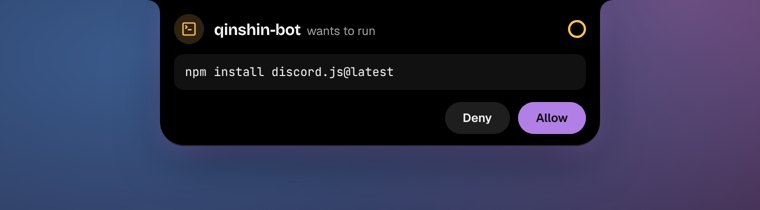
Filmed in 4K on a real desktop: hover to open, an agent asking for approval, then done.
Small notch.
Whole day.
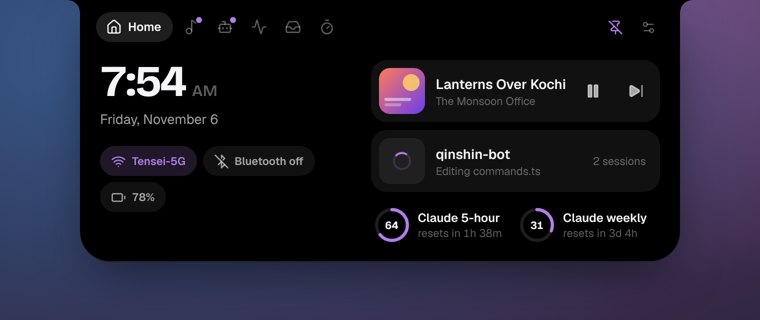
It sits at the top of the screen and shows what's going on. Hover to open it. It closes when you move away, and never takes focus.
Calm by default
Rests as a thin line when idle and over browser tabs. Never opens mid-drag, respects Windows Do not disturb, never takes focus.
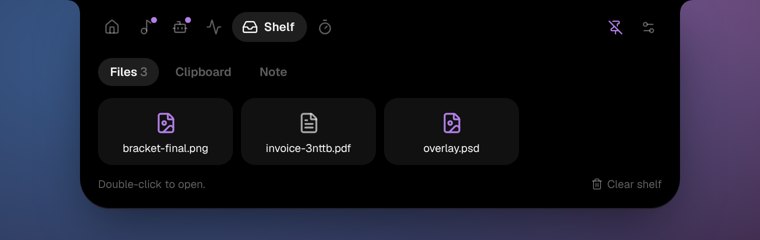
Shelf
Drop files on the island to keep them handy. Clipboard history and a quick note live there too.
Focus
A timer that counts down in the island while you work.
Pear Desktop
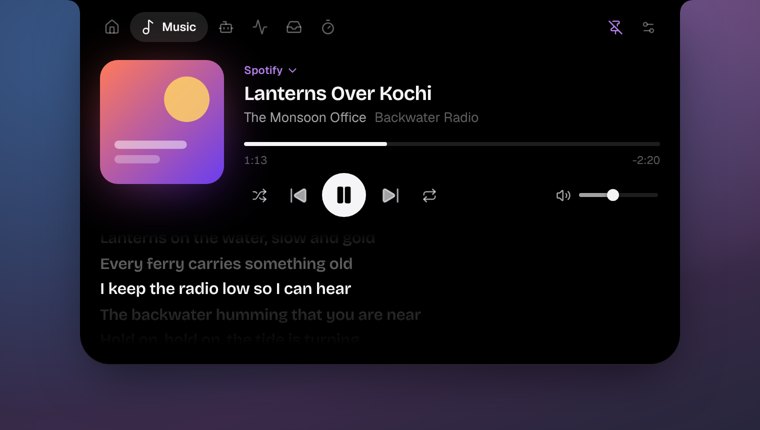
Likes, dislikes and exact progress through Pear's API Server plugin.
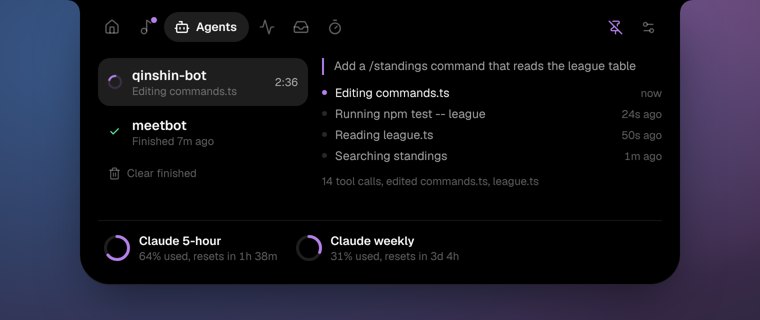
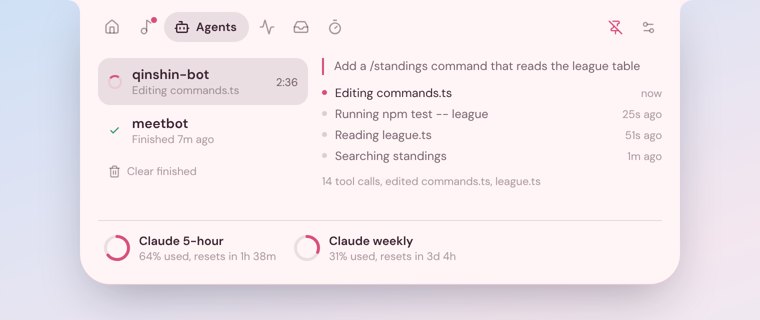
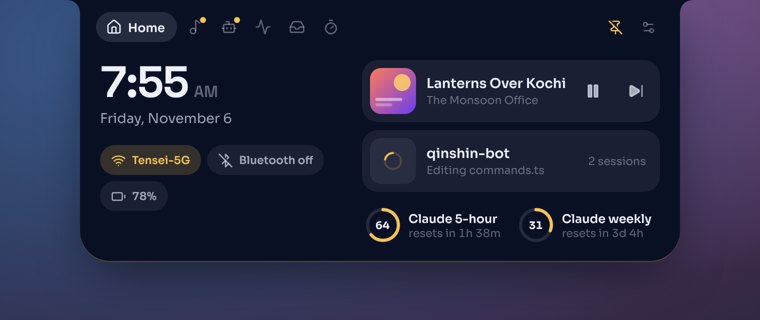
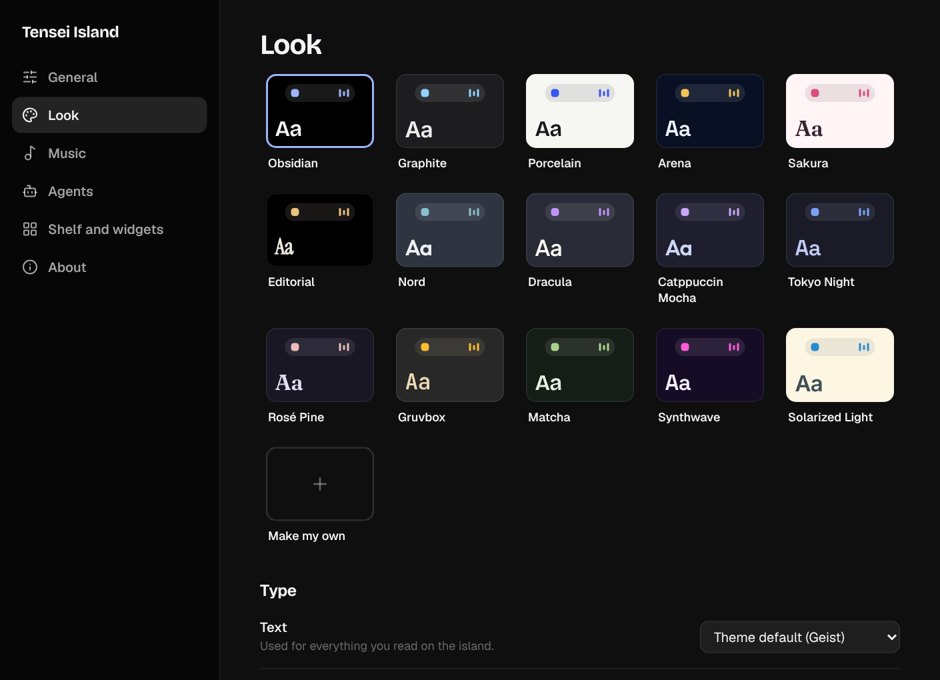
Every page, up close
Light
on your
PC.
Built with Tauri and Svelte on the WebView2 runtime Windows already has. No bundled browser, nothing running that doesn't need to.
of one core at rest
private memory at rest
installer, 5 MB on disk
loops, instead of 60
| State | CPU, one core | Memory (private) |
|---|---|---|
| At rest | 0.3% | 116 MB |
| Open, an agent working | 8% | 143 MB |
| Open, with Settings too | – | 156 MB |
Measured on Windows 11 Pro, Core i7-11700, GTX 1660 Super, 16 GB, 1080p, default settings (software graphics). Figures are the island plus its WebView2 processes.
- Nothing moves while the island is hidden, or while a game or a full-screen app is in front.
- Lyrics keep one width for the whole song, so the island never resizes mid-song.
- No network unless you turn it on. Plan usage is read from the copy Claude Code and Codex already keep.
Get it
in a
minute.
-
一
Run the installer
It asks where to install, whether Holm starts when you sign in, and whether to add shortcuts. No administrator rights needed. Holm isn't code-signed yet, so if SmartScreen says it "protected your PC", choose More info → Run anyway.
-
二
Open the island
Hover the top of the screen, or press Ctrl Alt Space. Holm lives in the system tray; right-click it for Settings.
-
三
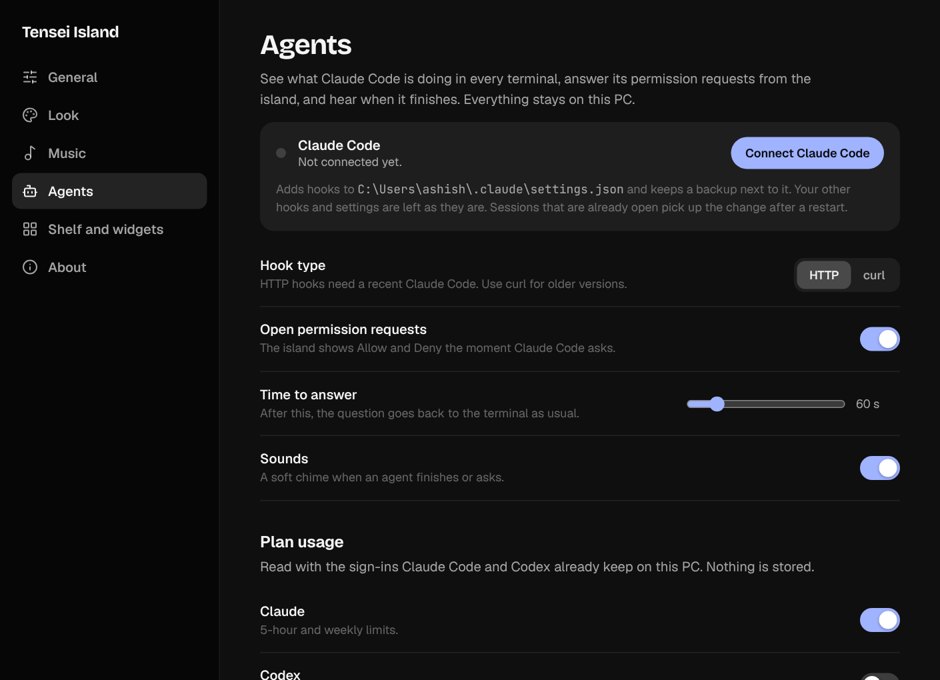
Connect Claude Code
Settings → Agents → Connect Claude Code. It adds HTTP hooks to
~/.claude/settings.json(a backup is kept) pointing at127.0.0.1:47821. Restart running sessions and the island lights up.
Needs
- Windows 10 1809+ or Windows 11, 64-bit
- WebView2 (built into Windows 11; the installer fetches it if missing)
- About 150 MB of free memory, any 64-bit dual-core
- Internet only for lyrics, weather and plan usage
Unattended
Holm_0.1.0_x64-setup.exe /S
Add /AUTOSTART to start with Windows, /NS for no shortcuts.
It stays on
your PC.
Media, system readings, clipboard and Claude Code activity never leave the machine. Plan usage asks Anthropic and OpenAI with the sign-ins already on the PC, and only when you turn it on. Lyrics (LRCLIB) and weather (Open-Meteo) are fetched only when on, sending just the track or the place.
Build it yourself.
# Tauri 2 + Svelte, on WebView2
git clone https://github.com/IndraTensei/holm
cd holm
npm ci
npx tauri dev     # run
npx tauri build   # installer
Every push builds the installer and the portable exe on a Windows runner; tagging v* publishes a release.